“What should I configure first?”
Follow a logical setup path instead of changing breath, bite, pitch-bend and touch-sensor settings at random.
A structured interactive HTML method that turns EWI USB learning into a clear study path — with guided topics, visual diagrams, fingering charts, configuration guidance, search and progress tracking.
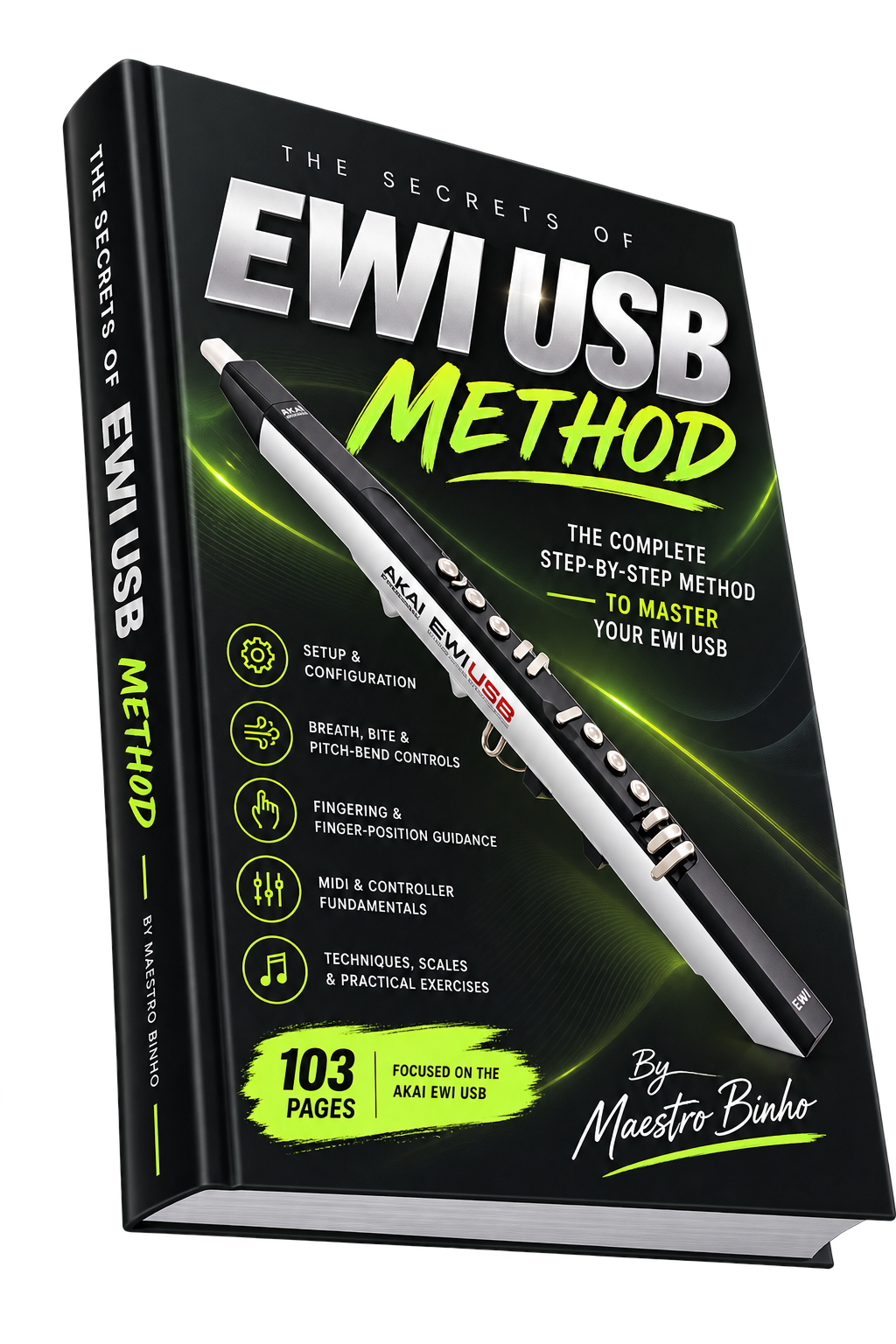
Instead of jumping between scattered manuals, old screenshots, random settings and disconnected tutorials, this method organizes the essential EWI USB knowledge into one guided interactive experience.
Follow a logical setup path instead of changing breath, bite, pitch-bend and touch-sensor settings at random.
Use visual finger-position guidance, fingering charts and octave references organized inside the same method.
Develop breath control, connected notes, articulation, notation awareness and scale practice with a clear sequence.
The method connects hardware, MIDI, ARIA configuration, fingering, notation and playing technique in a sequence designed to be easier to follow than a traditional static manual.
Understand electronic wind instruments, how the EWI differs from traditional wind instruments, and the basic role of MIDI.
Learn the mouthpiece, breath sensor, bite sensor, touch keys, octave rollers, pitch-bend controls, grounding plates and USB connection.
Understand how the EWI sends musical information, including breath-controller data and other controller messages.
Follow the method’s configuration workflow for setup controls, performance controls, MIDI channel, transposition and fingering mode.
Study finger placement, ARIA fingering modes, octave movement, staff reading and note-position exercises.
Practice breathing points, connected notes, articulation, the “Hoo” technique, scales and musical exercises.
The English edition is delivered as a single HTML file designed for desktop and laptop computers. Open it in a modern browser and study through an interface created specifically for the method.
Quickly find a topic, configuration term or technique without manually browsing through pages.
Move through the method topic by topic with a clear study flow instead of jumping between static pages.
Mark topics as complete so you can keep track of your study progress on the same computer and browser.
View EWI diagrams, ARIA screens, fingering charts, notation examples and exercises directly inside each topic.
Download one HTML file and open it using Chrome, Edge or Safari. No additional application is required.
Designed for desktop and laptop computers running Windows or macOS for the best learning experience.
Knowing where a parameter is located is not the same as knowing why it matters. The method connects EWI USB configuration with the practical skills you need when you actually start playing.
Learn how the EWI USB hardware, sensors, MIDI behavior and fingering systems work.
Follow the ARIA, sensor, performance and controller-configuration workflow.
Use visual charts and exercises to develop fingering, notation, breath and articulation.
Move through the 32 topics and mark each one complete as your understanding grows.
This is not a generic wind-controller guide and not simply a repackaged PDF. The method was built around the Akai EWI USB and is now organized as an interactive HTML study experience with 32 topics, visual material and guided navigation.
For players who need a clearer understanding of the instrument, its controls and how to begin practicing.
For musicians adapting traditional wind-instrument habits to touch keys, octave rollers and MIDI control.
For EWI players who want to understand breath-controller messages, external sound generators and performance control.
Instead of jumping between random settings, forum posts and disconnected tutorials, follow one structured method focused on understanding, configuring and playing the EWI USB.
No. The current English edition is an Interactive Method delivered as a downloadable HTML file. It provides organized topics, search, Previous/Next navigation and progress tracking.
After downloading the HTML file, save it on your computer and open it with a modern web browser such as Google Chrome, Microsoft Edge or Safari. No installation is required.
Yes. The Interactive Method is designed for desktop and laptop computers running Windows or macOS.
For the best experience, we recommend using the Interactive Method on a desktop or laptop computer. The interface and interactive features are optimized for computer use.
Yes. The method was developed specifically around the EWI USB, its hardware, sensors, fingering, MIDI behavior and configuration workflow.
No. This is an independent educational method by Maestro Binho. It is designed to complement the basic information supplied with the instrument by explaining the EWI USB in greater depth and adding practical study material.
Yes. It explains the EWI USB configuration structure and includes practical guidance for sensor controls, performance controls, MIDI channel, transposition and fingering selection.
Yes. The method includes finger-position guidance, octave study, notation exercises, breathing, connected-note practice, articulation, the “Hoo” technique and scales.
Some general MIDI, breath-control and playing concepts may also be useful with other wind controllers, but the method itself was created specifically for the Akai EWI USB.
The method documents the original ARIA-based EWI USB workflow. Because this is legacy software, compatibility can vary with newer operating systems. The page does not promise current ARIA compatibility on every modern computer.
Download the Interactive Method, open it on your Windows or macOS computer, and follow a structured path from hardware and configuration to fingering, breath, notation and playing technique.